
The Exchange Project - Syncing Exchange to iCal and back

As noted [elsewhere][], I decided to go on with the Exchange2iCal project I started almost one year ago.I’m actually getting along nicely, also due to the fact that Jeffrey Harris released the wonderful [VObject][] package some days ago. (Thanks to [Jon][] for the tip!)
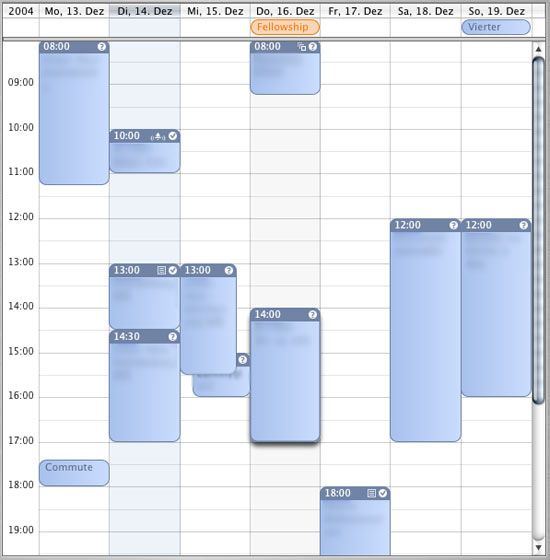
So far, the following bits and pieces are working:
I can get the whole Exchange Calendar as an
icsfile, including recurrence, alarms and meeting status.I can parse and compare two iCalendar files and get the following information:
New Local/Remote Events
Changed Local/Remote Events
Deleted Local/Remote Events
The first part can be considered “stable”, that is, if you’re OK w/ read-only access to you calendar, you could basically use that part. You can download these here: [e2i][].
Warning> These scripts are provided strictly as is. It’s alpha status at best, hacked together to work on my environment and not tested elsewhere than my Mac. There isn’t a
READMEavailable and I assume that you know how to get the different tidbits needed to make it running, in particular:>
Python 2.3>
PyObjC (If you want to profit from Keychain-based authentication to Exchange)> * Basic knowledge of Python» (If you can’t, then maybe you’re not the exact target audience for these scripts and better wait for the moment where I have something a little more user-friendly *or* where Apple themselves release an iSync to Exchange. I know there are quite a bunch o’ people in the wild that’d like to see this working, but sorry, it’s just not there yet.).» I further assume that you know how to read a program and change certain parameters. > There is some documentation in the code, but remember:> This is not for the faint-hearted!> And now go and run
exchange.py:)
The second part (parsing & comparing) is still very buggy and unstable. I get pretty decent results but the parsing & comparing is somewhat unpredictable.
Now, I am heading for the following:
Increase the stability of the comparison1
Implement a first one-way updater
Wrap the thing up so fetching, comparing and updating will become one monolithic sync process
Write an iSync plugin
(This last point should be the easiest, as PyObjC can now be used to program NSBundles in Python, as seen [here][]. ;) (Hat tip: [John Gruber][])
Some other tidbits are going along with this as well:
Increase the stability and usefulness of the XSLT that transforms the Exchange data to iCalendar
Bring meeting attendee info into the iCS if possible
Recur to less file-based transactions (i.e., less data-dumps and more advanced uses of stuff like LibXML2’s Python bindings etc.)
Lure our Sysadmins to install Exchange 2003 ASAP.
Become better in Python programming :)
Set-up some project space with a constant URL so people can find this – if they want :)
RationaleYou might ask yourself the question what the rationale of this project is? I’ll admit, I’m only doing this to get /.ed once in my life. :) But before you go and call the dot to slash me, bear in mind that this project is not yet finished – some more time is needed to get something that’s worth a /. :)
(Actually, getting Exchange on my Mac desktop would be great, too … )
That is, better understand the [VObject][] architecture :)[elsewhere]: /2004/11/20/more-on-exchange-os-x/ “More on Exchange & OS X”[VObject]: http://vobject.skyhouseconsulting.com/ “VObject Project Home” [Jon]: http://weblog.infoworld.com/udell/2004/12/09.html#a1130 “Jon Udell on CalDAV”[here]: http://www.pycs.net/bbum/2004/12/10/ “PyObjC, py2app, and bundle”[John Gruber]: http://daringfireball.net “John Gruber”[e2i]: http://mycvs.org/wp/wp-content/e2i-0.1.tgz “Exchange2iCal” ↩︎